
Living in a small apartment shouldn’t mean sacrificing your passion for gaming. Whether you’re a competitive FPS player, a cozy farm-sim enthusiast, or a hardcore console collector, the challenge of a limited floor plan is real. But constraints often lead to the most creative designs. By thinking vertically, embracing minimalism, and utilizing multi-functional furniture, you can transform a cramped corner into a legendary battle station.
Here are 26 space-saving gaming setup ideas that prove size isn’t everything.
1. Floating Desks
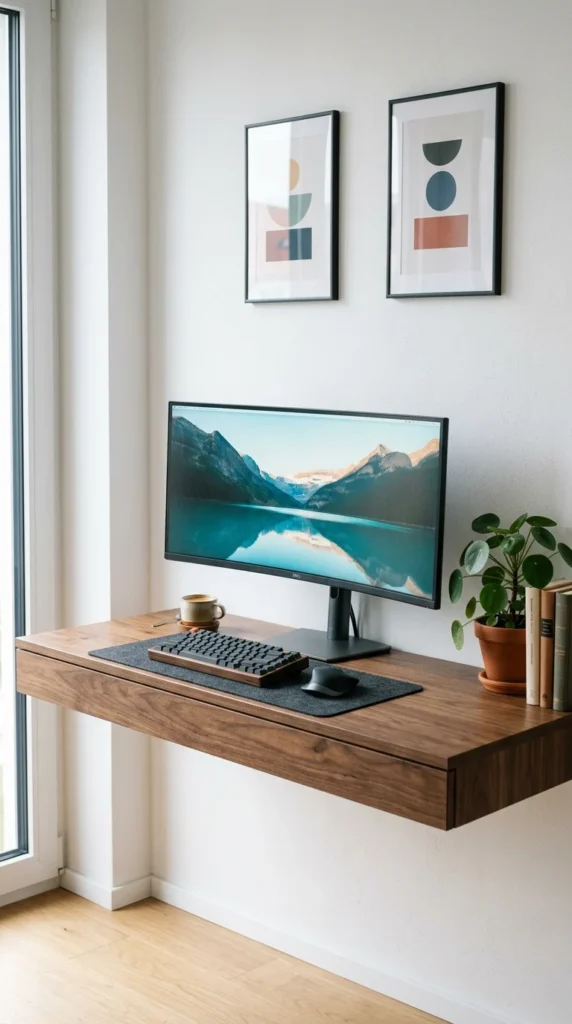
Floating desks are the ultimate space-savers because they eliminate bulky legs, leaving the floor space underneath completely open. This creates an optical illusion of more room and provides a perfect spot to tuck away a footrest or a small subwoofer. By mounting the desk directly to the wall studs, you maintain a clean, modern aesthetic that fits perfectly in a studio apartment.
2. Corner Stations
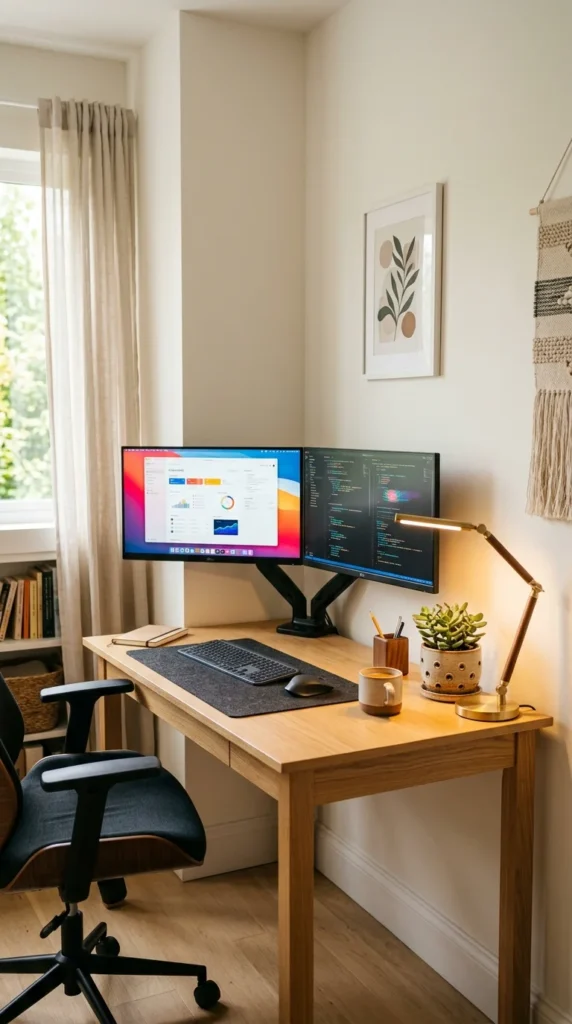
Don’t let your corners go to waste. A dedicated corner desk allows you to utilize “dead space” that often remains empty. These setups provide a surprisingly large amount of surface area for your peripherals while keeping the main traffic paths of your apartment clear. It’s an ergonomic way to feel “enclosed” in your gaming world without taking up the center of the room.
3. Pegboard Walls
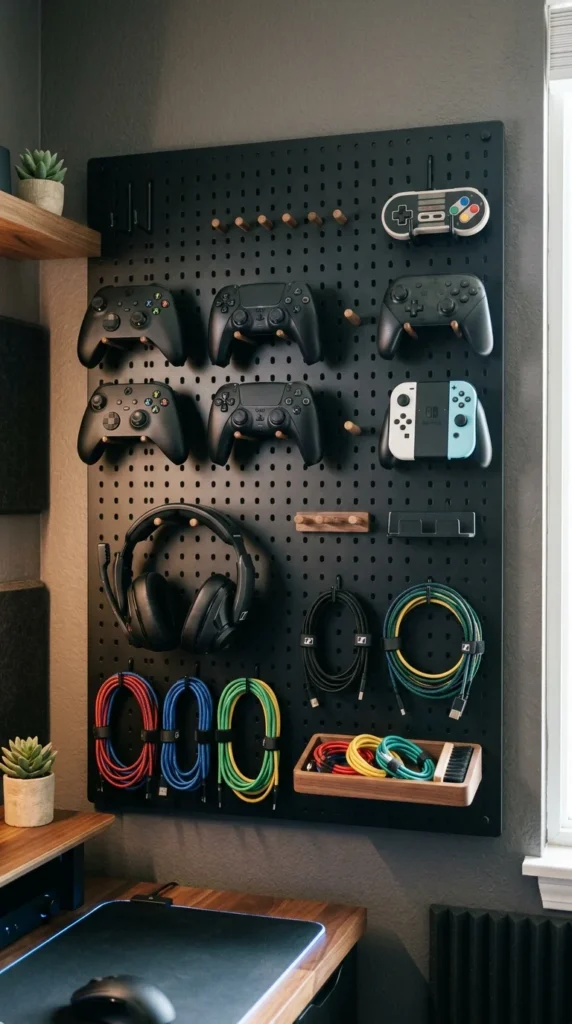
Vertical storage is your best friend in a small apartment. A pegboard (like the IKEA SKÅDIS) allows you to move your controllers, headsets, and even keyboards off your desk and onto the wall. This keeps your workspace clutter-free and turns your gear into a piece of functional wall art. You can customize the layout whenever you get new peripherals.
4. Closet “Cloffices”
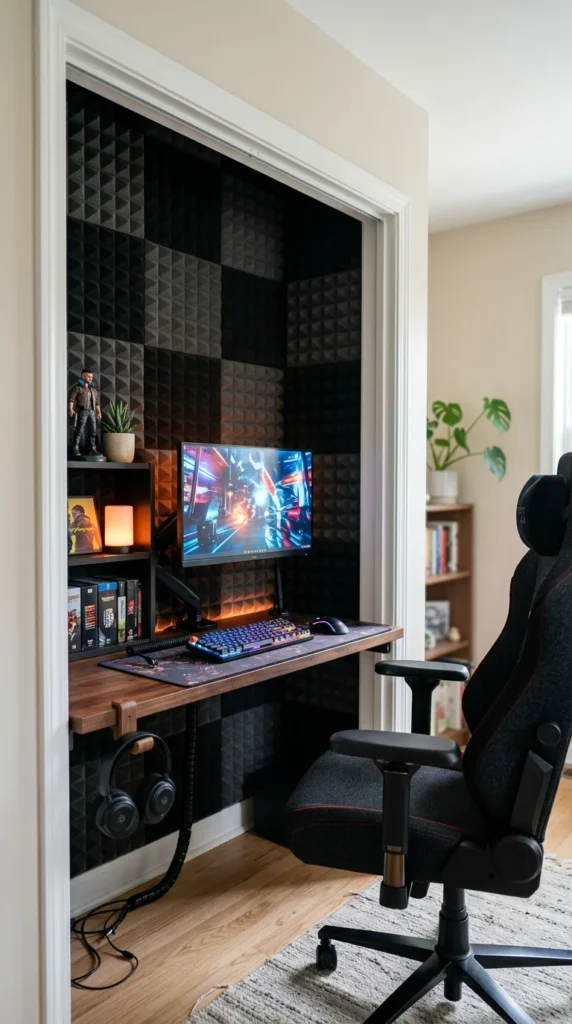
The “Cloffice” is a genius solution for those who want to separate their gaming life from their sleeping area. By removing closet doors and installing a desk inside, you create a recessed gaming nook. When you’re done, you can even pull a curtain across to hide the tech, maintaining a clean, non-techy vibe in your living space.
5. Monitor Arms
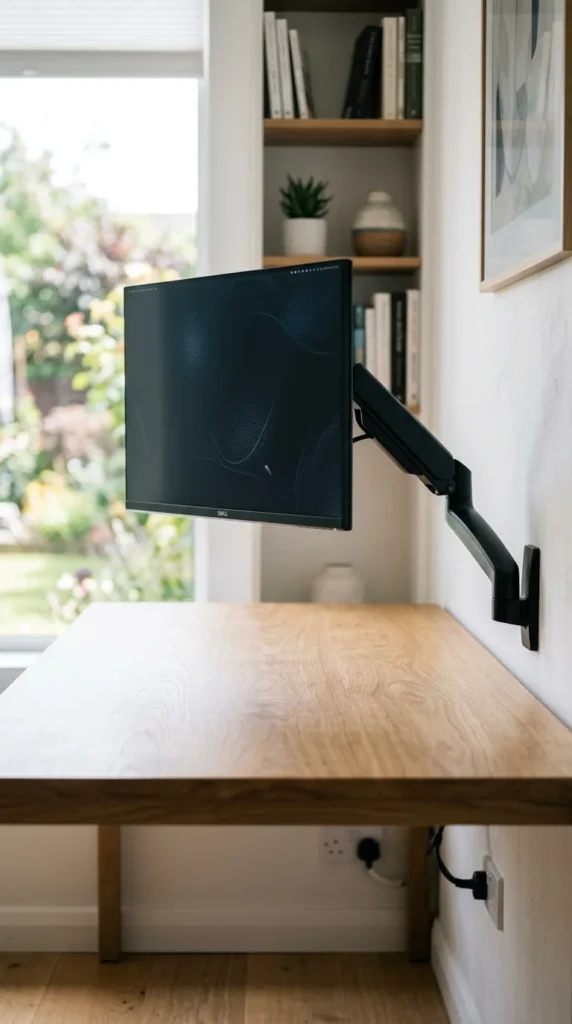
Stock monitor stands are notorious for having huge, clunky footprints. Switching to a gas-spring monitor arm clears up several square inches of desk real estate. It also allows you to adjust the height and angle perfectly for your posture, which is crucial when you’re gaming in a compact chair that might not have full adjustability.
6. SFF PCs
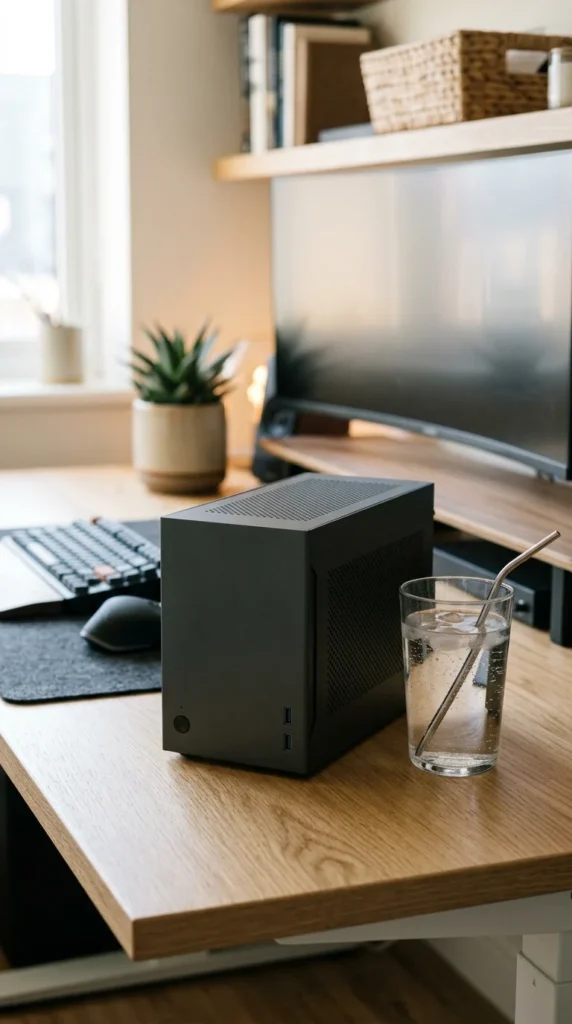
Small Form Factor (SFF) builds are a game-changer for apartment dwellers. These mini-ITX cases pack the power of a full-sized rig into a chassis the size of a toaster. Placing a massive full-tower PC on a small desk is overwhelming; an SFF build can sit discreetly behind your monitor or even be tucked into a bookshelf.
7. Loft Bed Setups
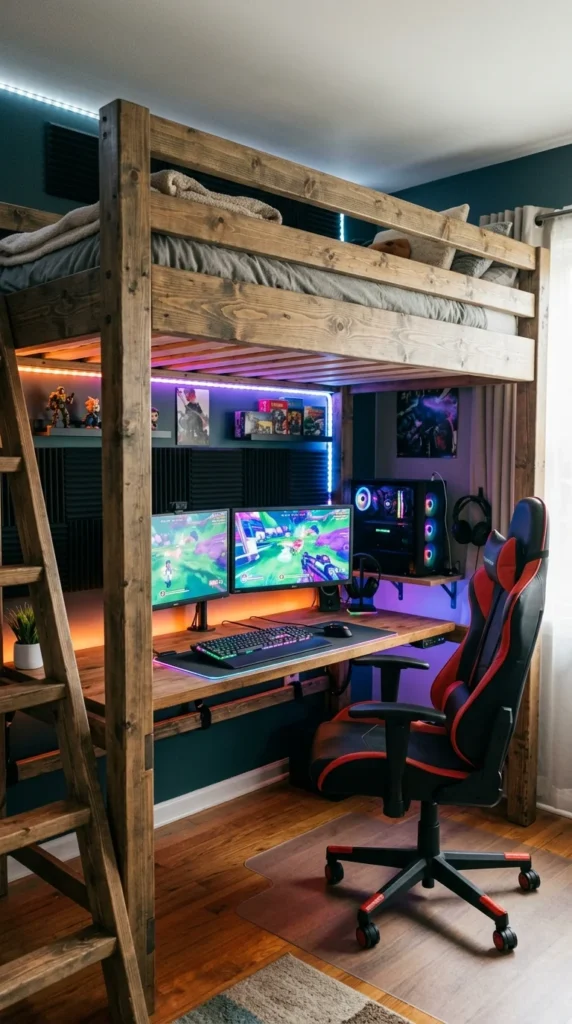
If your ceiling height allows it, a loft bed is the nuclear option for space-saving. By elevating your sleeping area, you reclaim the entire footprint of your bed for a massive gaming setup. This is particularly popular in studio apartments where every square foot counts, effectively doubling your usable space.
8. Mobile Carts
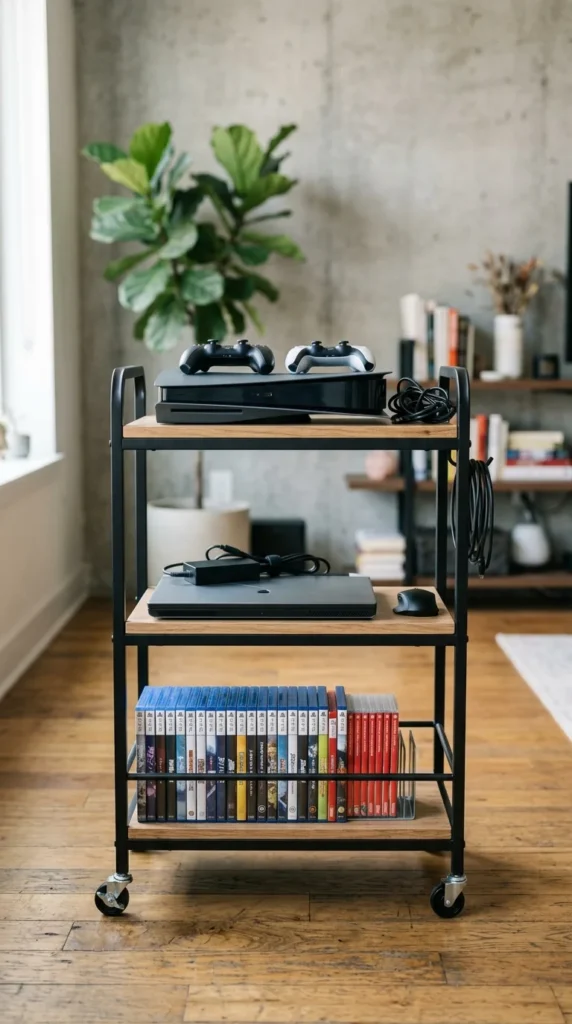
If you don’t have room for a permanent desk, put your setup on wheels. A heavy-duty rolling cart can hold your console, a small monitor, and your controllers. You can wheel it out to the sofa for a session and tuck it away into a closet or behind a door when guests come over.
9. Under-Desk Trays
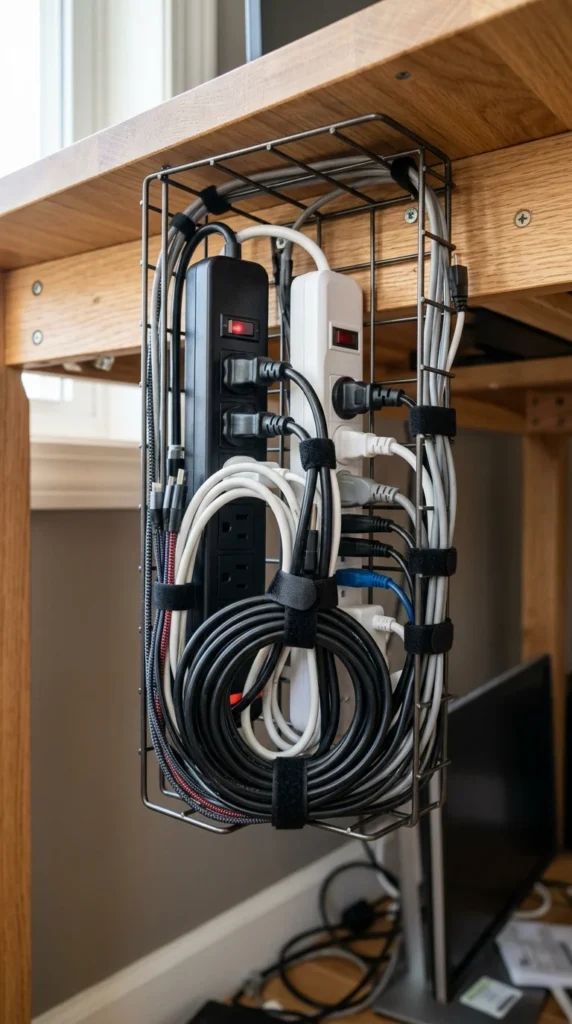
In a small room, cable “spaghetti” looks twice as messy. Under-desk cable management trays keep all your power bricks and cords off the floor. Not only does this look better, but it also makes cleaning much easier, as you won’t have to vacuum around a nest of dusty wires.
10. Drawer Leg Units
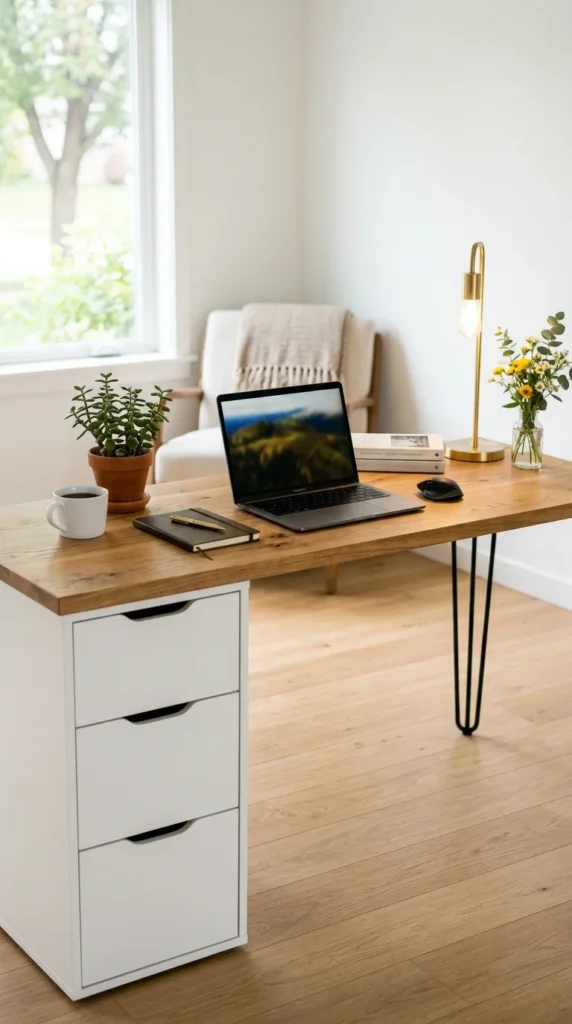
Using storage units (like the famous IKEA ALEX) as desk legs provides much-needed storage for games, tools, and snacks without taking up extra floor space. It’s a two-in-one solution that provides a sturdy base for your desk while acting as a filing cabinet for your gaming life.
11. Vertical Console Stands
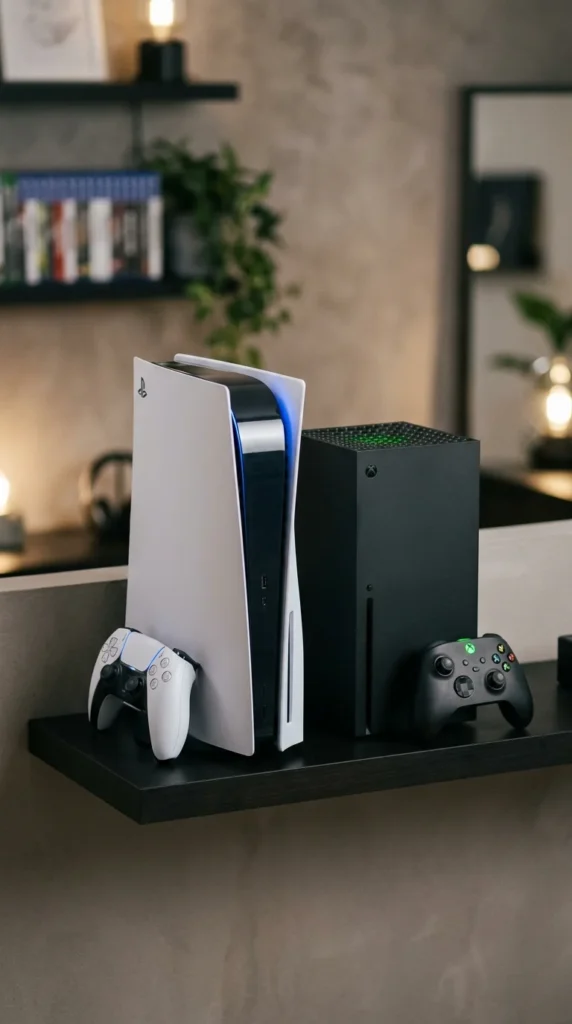
Consoles take up a lot of horizontal space when laid flat. Investing in a sturdy vertical stand allows you to tuck your console behind your monitor or in a narrow gap between furniture. Many modern stands also include built-in cooling fans and controller charging docks to further reduce clutter.
12. Minimalist Lighting
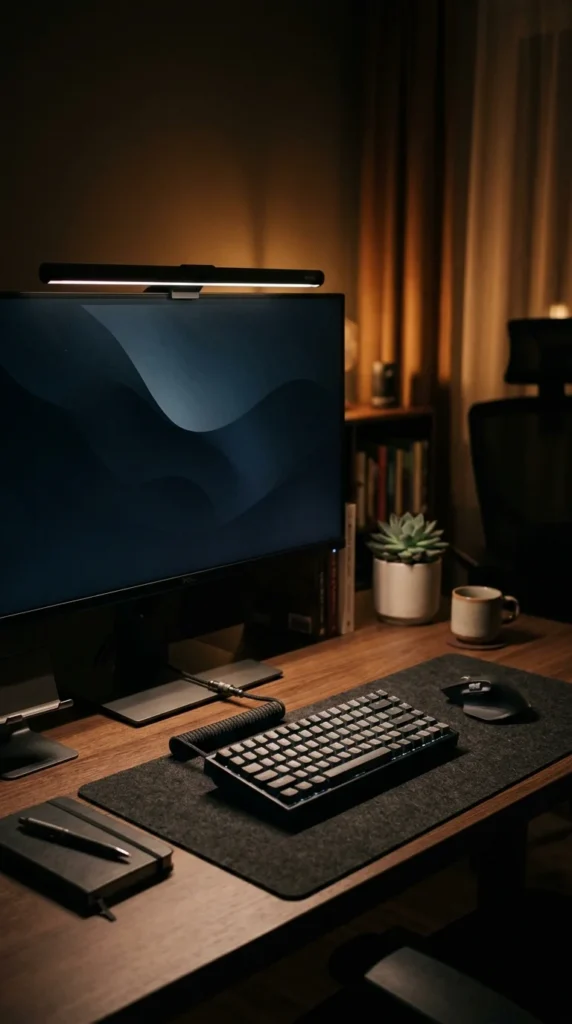
Bulky desk lamps are a thing of the past. A monitor light bar sits on top of your screen, lighting up your workspace without taking up any room on the desk. This keeps your setup looking clean and reduces eye strain during those late-night sessions.
13. Folding Desks
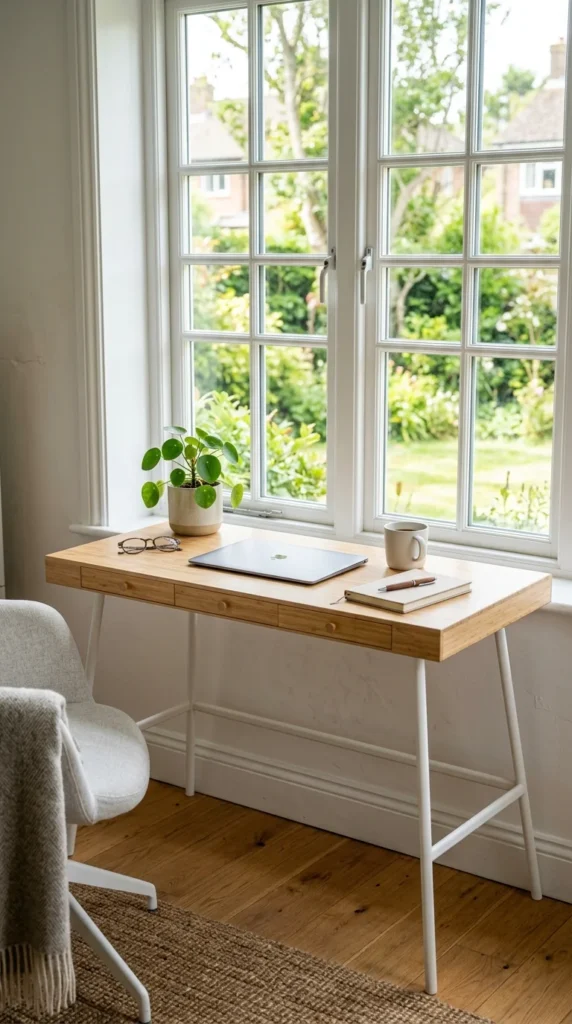
For the part-time gamer, a high-quality folding desk is a lifesaver. There are many stylish options today that don’t look like cheap card tables. You can set up your kingdom for a weekend marathon and reclaim your living room on Monday morning by stowing the desk under your bed.
14. Mirror Illusions
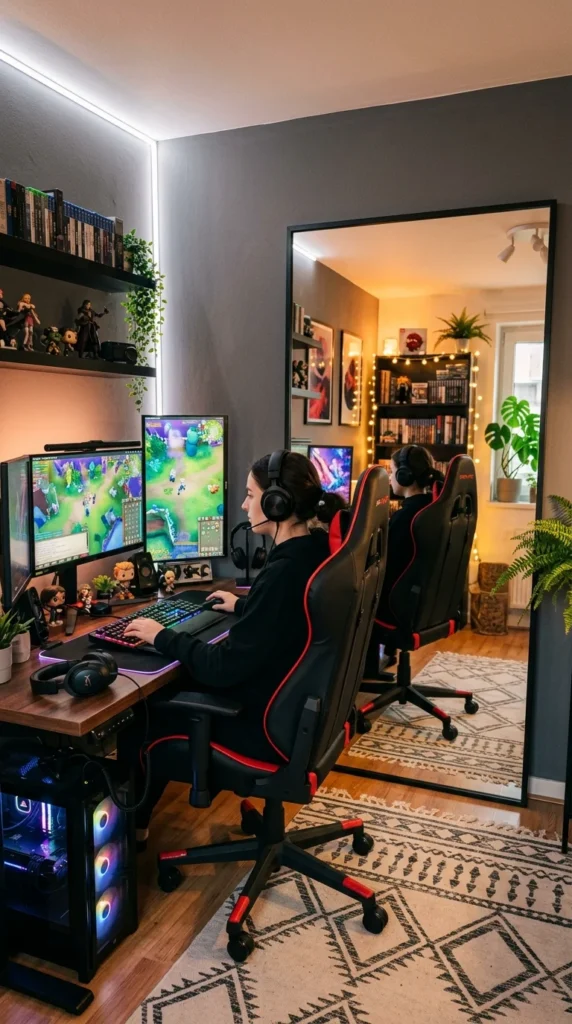
This is an old interior design trick that works wonders for gaming nooks. Placing a mirror behind your setup or on an adjacent wall reflects the light from your RGB strips and monitor, making the small corner feel expansive and airy rather than claustrophobic.
15. Headphone Hooks
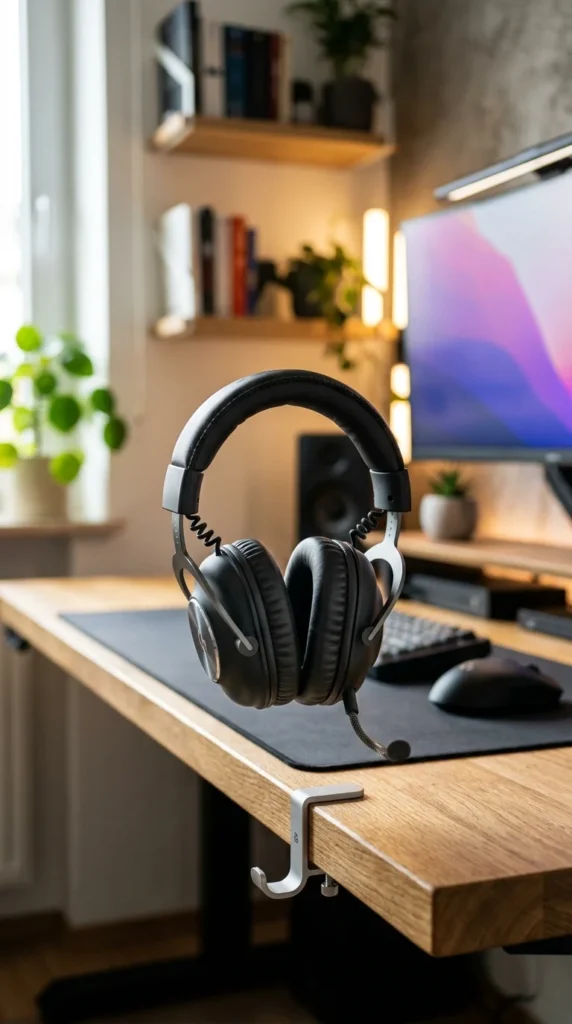
Headphone stands are nice, but they take up desk space. An under-desk or side-mounted hook keeps your headset within arm’s reach but completely off the surface. It’s a small change that contributes significantly to a “clean desk” feel.
16. Ultra-Wide Monitors
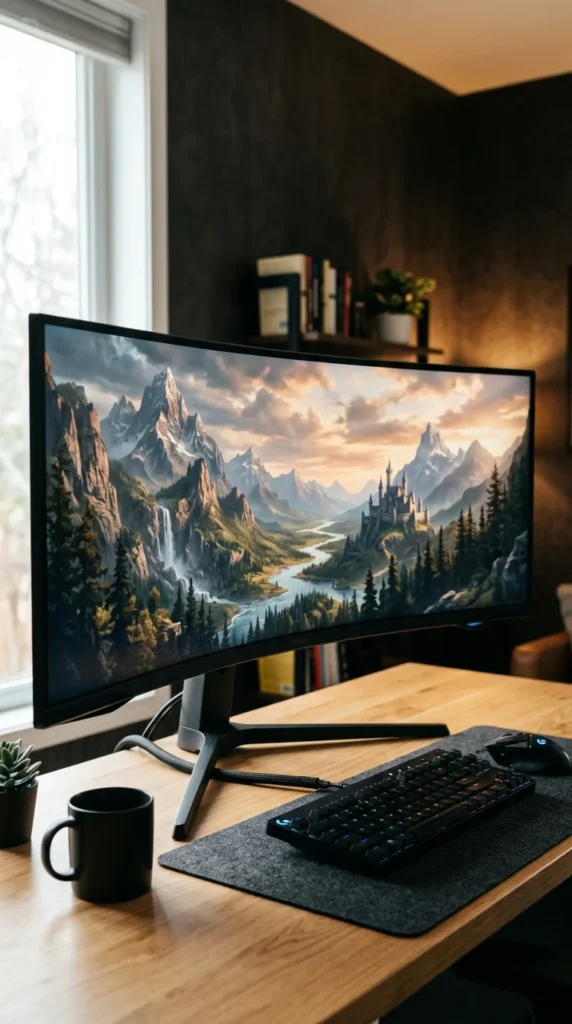
Instead of two or three smaller monitors—which require multiple stands and create a cluttered look—opt for one large ultra-wide monitor. You get the same screen real estate for multitasking, but with a much cleaner, more streamlined appearance that suits a small room perfectly.
17. Hidden Peripherals
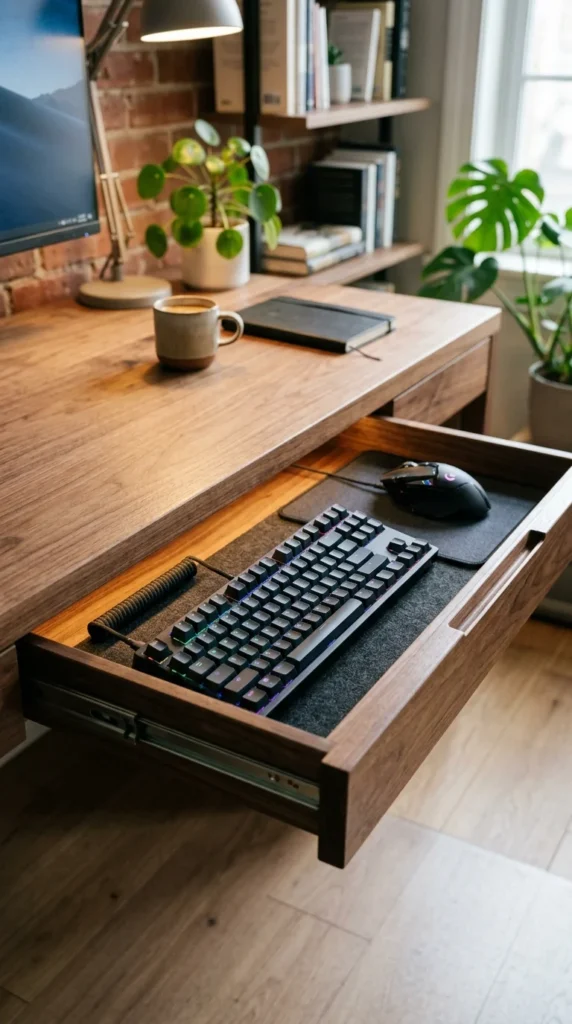
Using a desk with a keyboard tray or a hidden drawer allows you to hide your peripherals when you’re using the desk for other tasks, like eating or working. This is essential for those living in multi-purpose spaces where the gaming desk also serves as the dining table.
18. Zone Rugs
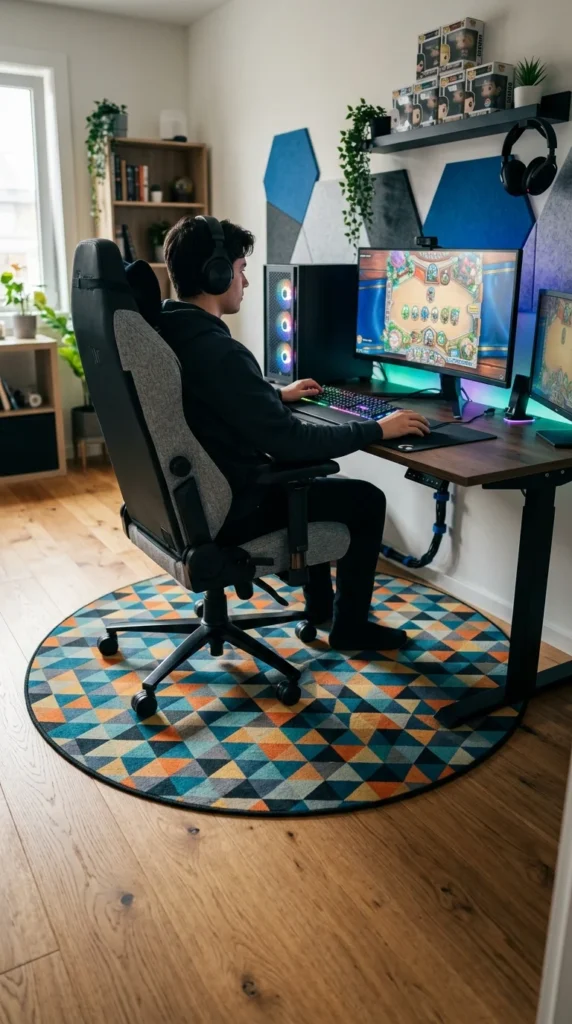
In a studio apartment, “zoning” is key. Placing a specific rug under your gaming setup visually separates it from your “living” or “sleeping” zones. It gives the setup a sense of place and prevents it from feeling like the computer is just taking over the room.
19. Transparent Furniture
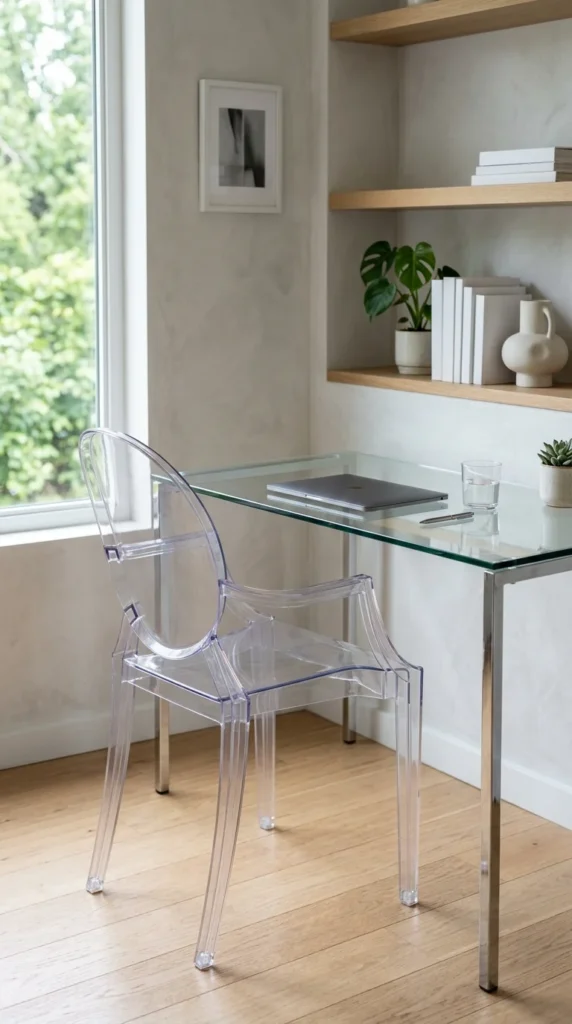
Acrylic or glass furniture is a secret weapon for small spaces. Because you can see through it, the furniture doesn’t “block” your line of sight, making the room feel less crowded. A clear chair or glass desk can house a high-end setup while keeping the room’s aesthetic light and open.
20. Mounted PC Cases
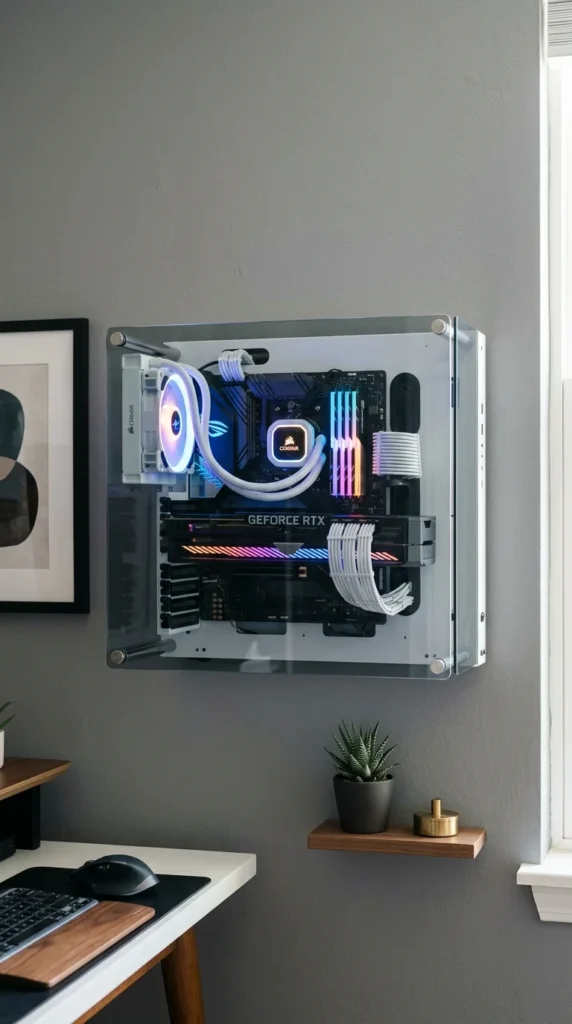
Why put your PC on the desk when it can be on the wall? Some cases are specifically designed to be wall-mounted. This frees up the entire desk surface for your mouse pad and keyboard, and it puts your beautiful components on display like a gallery piece.
21. Natural Element Balance
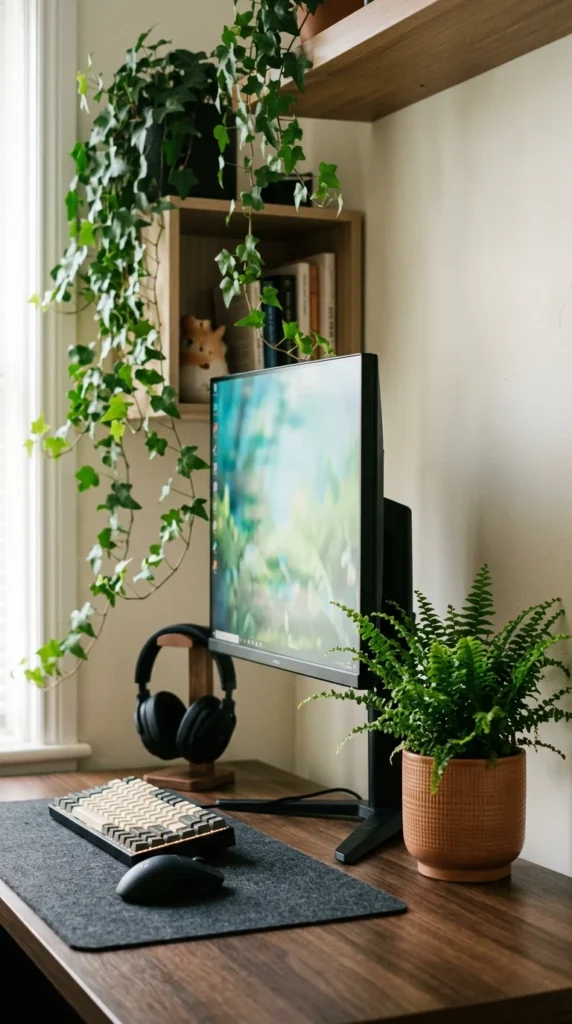
Technology can feel cold and industrial in a small apartment. Adding greenery—real or high-quality fake—softens the edges of your setup. Plants also help “blend” the gaming area with the rest of your home decor, making it feel less like a “computer lab” and more like a home.
22. Modular Shelving
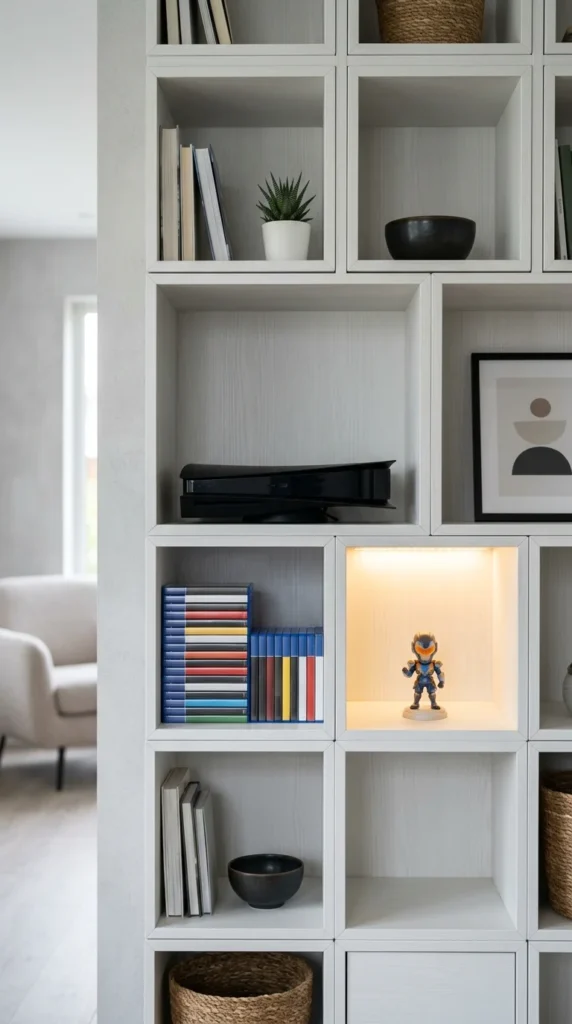
Modular shelving units (like the IKEA KALLAX) are incredibly versatile. You can use them as a room divider to block off your gaming area from your bed, providing both privacy and massive amounts of storage for your gaming collection and hardware.
23. Retractable Green Screens
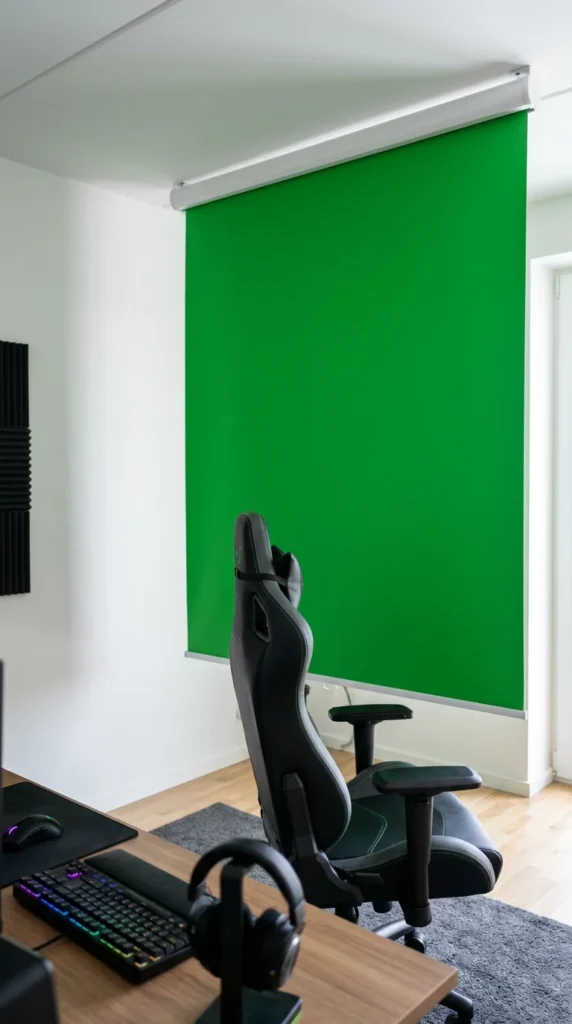
If you’re a streamer in a small apartment, you might not want a permanent green screen taking up space. Ceiling-mounted, retractable green screens function like window blinds. Pull it down when you go live, and zip it back up to the ceiling when you’re done to reveal your normal living space.
24. Soundproof Hexagons
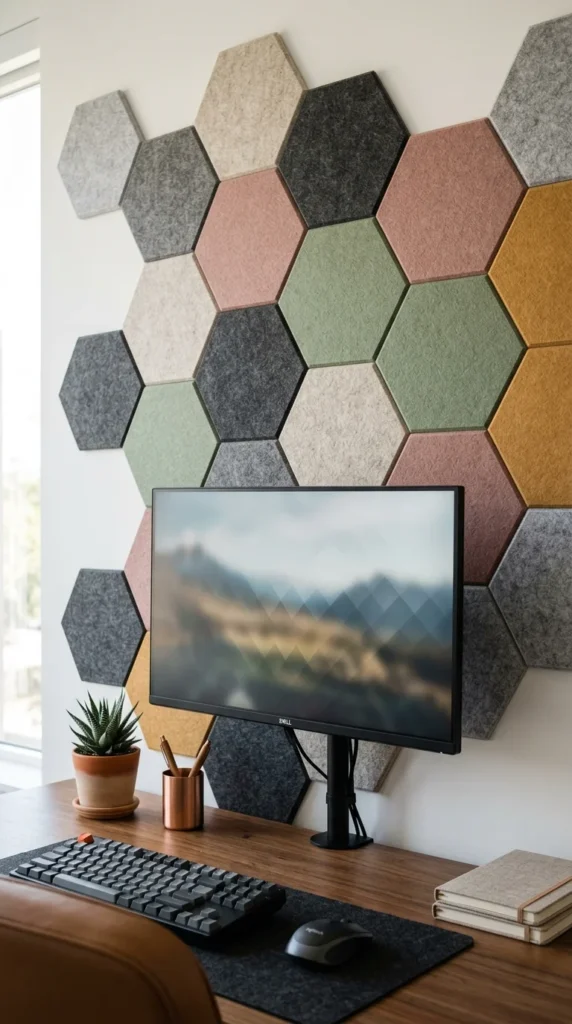
Small apartments usually mean thin walls. Decorative acoustic panels help dampen the sound of your voice during late-night Discord sessions, preventing noise complaints from neighbors. When arranged creatively, they also serve as a stylish backdrop for your setup.
25. Built-in Desk Extensions
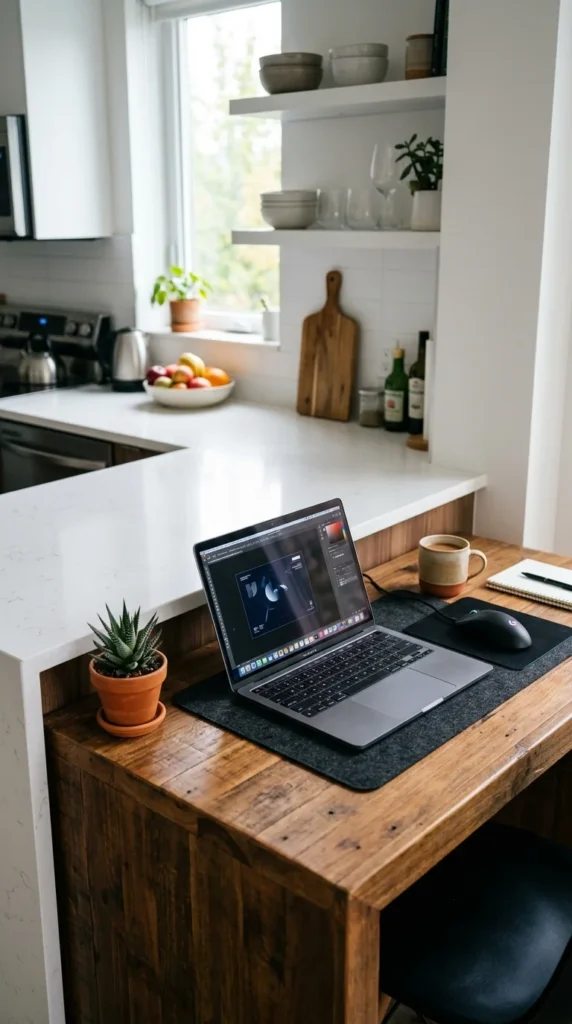
Sometimes the best space is already there. If your apartment has a long kitchen island or a built-in breakfast nook, consider converting one end into your gaming station. It utilizes existing architecture and often places you near the heart of the home (and the snacks).
26. Unified Color Palettes
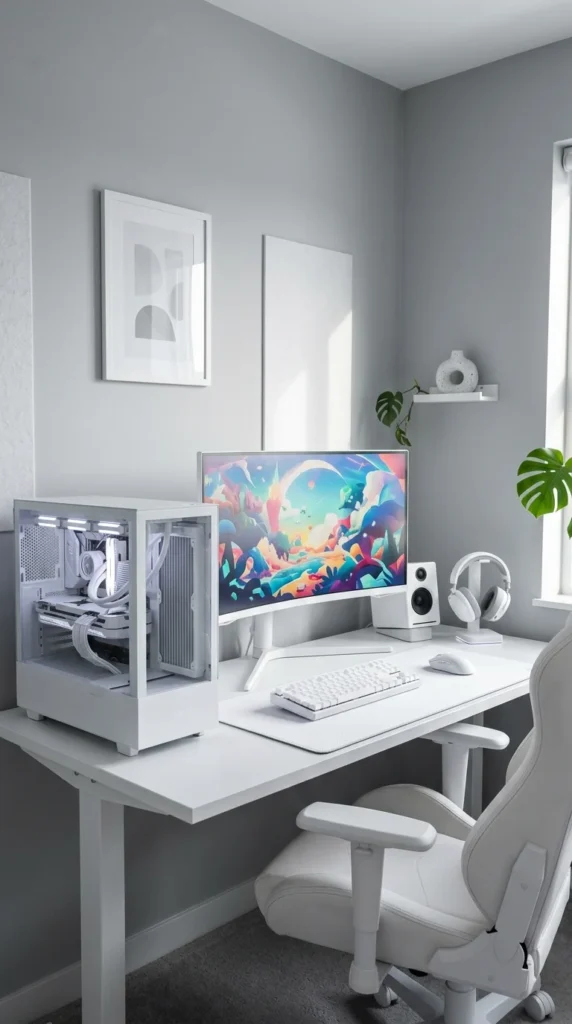
Using a monochromatic color scheme (all white, all black, or all grey) makes a setup feel more organized and less visually “loud.” In a small space, a unified color palette prevents the gaming gear from looking like a pile of random objects, creating a cohesive and intentional look.